How to Export a Lovable Project and Keep Building It
— Aurora Team
You built something on Lovable. It works, people are using it, and now you want to take it further. The problem is that moving a project usually feels like a gamble: you hand your code to a new tool and hope it comes back in one piece.
Aurora imports your existing project directly from GitHub, and it does it without rearranging your code. You keep the repo you already have. You keep your commit history. And your project keeps working on Lovable, so you are never choosing one platform over the other before you are ready.
What you get: a real backend, terminal, and deploys
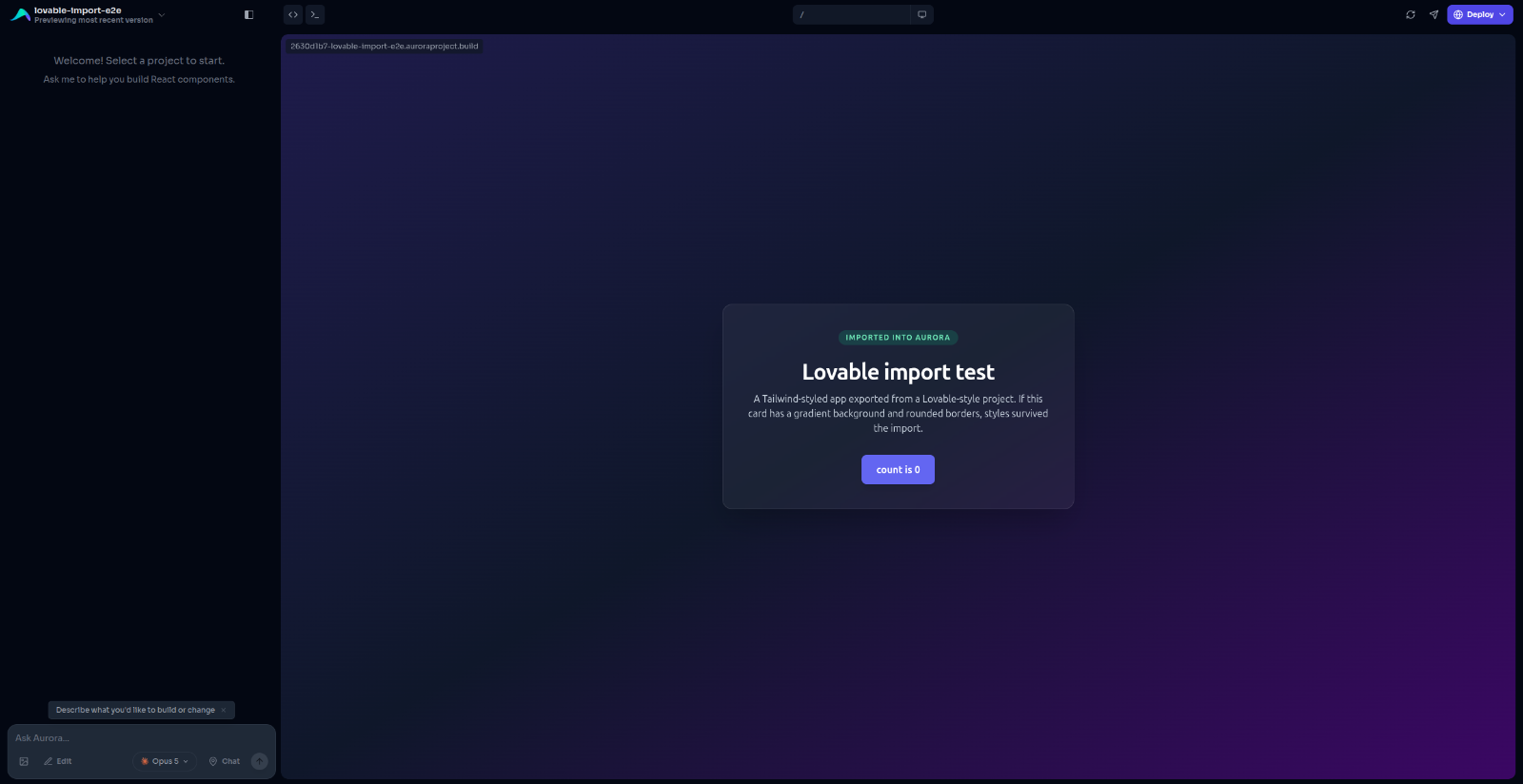
Once your project is imported, Aurora gives it a full development environment in the cloud. Your app runs on a live preview URL you can share, and you get an AI chat window pointed at your actual codebase, not a copy of it.
From there you can keep building the way you already do: describe what you want changed, watch it happen in the preview, and ship it. The difference is what is underneath. You get a real backend, real environment variables, a terminal, deploys to your own domain, and the ability to grow past a front end.
How to import a Lovable project from GitHub
Connect GitHub. Head to Settings and connect your account. Aurora uses a GitHub App, which means you pick exactly which repositories it can see. It has no access to anything you do not choose.
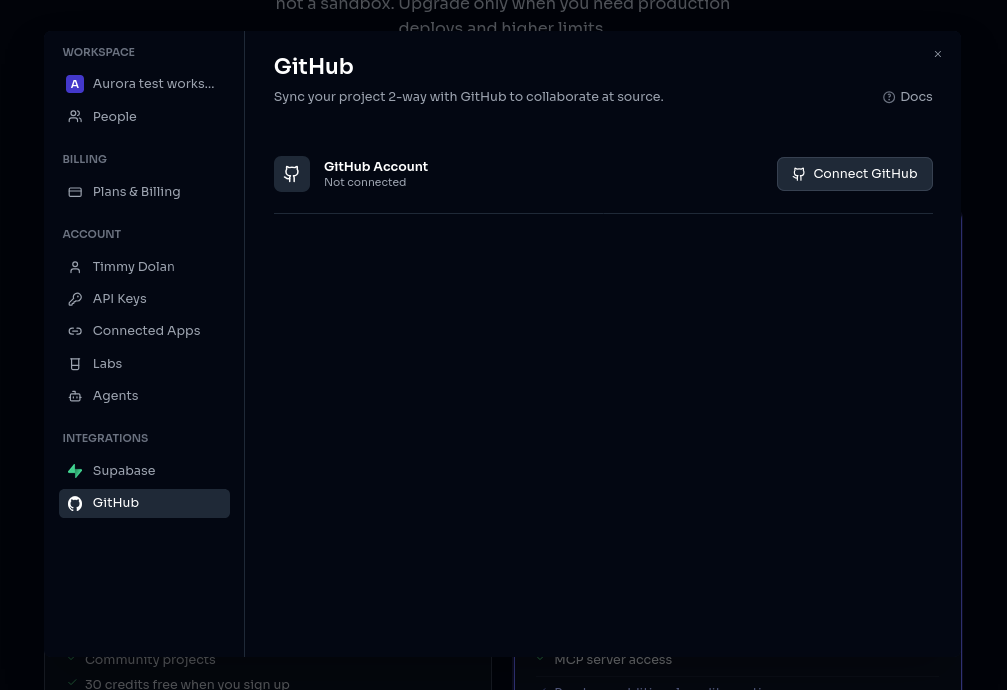
Pick your project. On the new project screen, choose Import from GitHub and select your repo from the list.
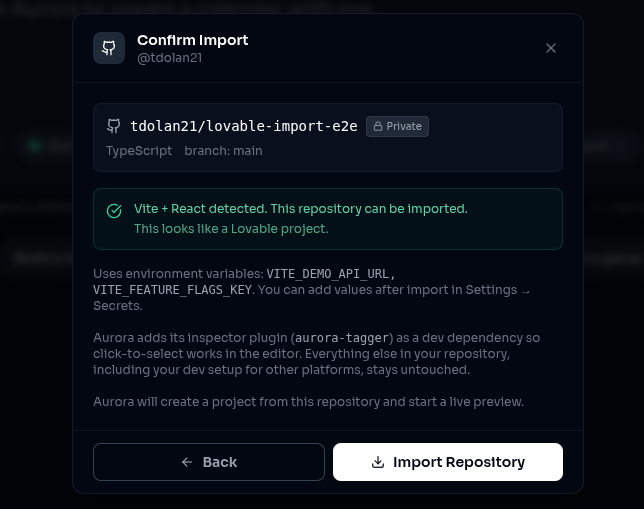
Confirm. Aurora checks the project, sets up your environment, installs everything, and starts your app.
Before anything happens, Aurora checks whether your project is a good fit and tells you right there in the window. If something will not work, you find out in a couple of seconds with a clear reason, not halfway through a setup that fails.
Does my project still work on Lovable after importing?
This is the part we get asked about most, so it is worth being direct: importing into Aurora does not take anything out of your project.
We add one small development tool that powers click-to-select in the preview, so you can click a button in your running app and the chat knows exactly which part you meant. That is the only addition, and it is switched off in your production builds. Everything Lovable put in your project stays exactly where it is.
Nothing gets reformatted. No dependencies get upgraded behind your back. Your folders, your settings, and your build configuration are left alone. If you import your project, look around, and decide Aurora is not for you, your repo is exactly as you left it and still builds on Lovable.
Who owns the code after you export?
When you make changes in Aurora, they are saved to your own GitHub repository, on your own branch. There is no second copy of your project living somewhere else and slowly drifting out of sync.
That means you can work however you like. Build a feature through chat in Aurora, pull it down to your laptop, keep going in your own editor, push it back, and Aurora picks up right where you left off. Your history stays in one place, and you can walk away with your project at any time.
What happens to my API keys and environment variables?
Most real projects connect to something: a database, a payments provider, an API. Those connections need keys, and keys should never be sitting in a public repository.
So Aurora reads through your project, works out which settings it expects, and shows you the list. You paste the values in once under Settings, and Aurora makes them available to your app automatically. Nothing in your code has to change, and the list clears itself as you fill it in, so you always know what is still missing.
Which Lovable projects can be imported?
Import currently supports Vite and React projects, which covers essentially everything Lovable produces. If you built it on Lovable, it will almost certainly import.
If you are bringing something from elsewhere and it is built on a different framework, Aurora will tell you up front rather than importing it and running into trouble later. Support for more frameworks is on the way.
Try it with something real
The best way to judge this is with a project you actually care about, because the risk is genuinely low. Import it, spend ten minutes building something, and see how it feels. If it is not for you, delete the Aurora project and carry on exactly as before.
Import your project, or take a look at what else Aurora does first.